


AMDCurrent
AM5
AMD's current platform with a long support window
- Memory:
- DDR5
- PCIe:
- PCIe 5.0
PC building, explained properly
Which socket, which cooler, which power supply — answered with the reasoning behind each choice, so you can decide for yourself rather than take our word for it.
Three questions and a starting point. Not a finished build — a place to begin, with the reasoning shown so you can disagree with it.
The socket decides your chipset, memory generation and cooler mounting. It is the first real decision in any build.
AMD's current platform with a long support window
A mature, inexpensive platform with a huge parts pool
Intel's current socket for Core Ultra
A mature platform that offers both DDR4 and DDR5
A retired platform — for upgrading an existing system only
The honest comparison: what each class of cooler actually handles, what it costs and what it asks of you in return.
The best ratio of price to peace of mind
AiO-class performance without a pump
A sealed loop with a predictable installation
For CPUs that genuinely run hot
Maximum control, maximum commitment
Complete part lists at four budgets, each with the reasoning for every component and an indicative price.
The cheapest sensible way into PC gaming
1080p gaming, studying, office work
The most sensible point on the price-performance curve
1440p gaming, streaming, graphics work
For rendering, video editing and compiling
Video editing, 3D rendering, compiling code
Full performance in a console-sized case
1440p gaming, living-room PC, frequent transport
Quiet, small, built for the television
4K video, couch gaming, browsing on the television
Backups, media and services, around the clock
Backups, file server, media server, containerised services
From your first screw to diagnosing a machine that will not start.
A complete walkthrough from unboxing to first boot. Order matters — the sequence here saves a lot of backtracking.
What to do once the case is closed: the memory profile, boot order, and the settings genuinely worth changing.
An ordered list of causes from most to least common. In most cases the problem is in the first three entries.
This is not only about looks. Tidy cables improve airflow and make every later change to the build far easier.
The site is a reference rather than a blog with a shop attached — here is what that amounts to in numbers.
The newest analysis and guides.


Swipe to see more
Videos from channels that publish their methodology, chosen because they show working rather than conclusions.
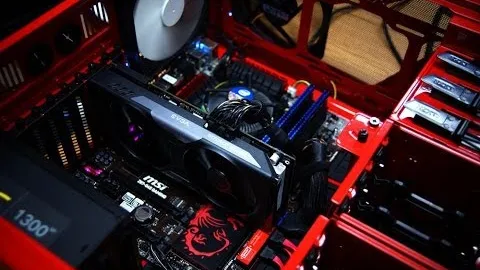
A concise build from a channel that publishes its testing methodology. No filler.
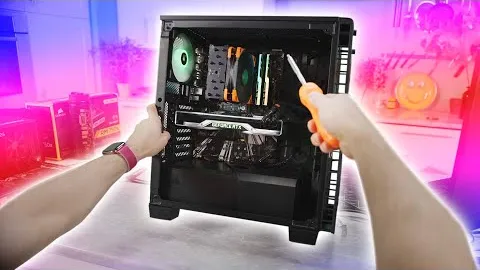
Filmed from the builder's point of view — the closest thing to what you will actually see over the case.

Testing rather than opinion. It confirms application method sits within measurement error.
Measured airflow through mesh and filters — it shows how far real flow falls below the rated figures.
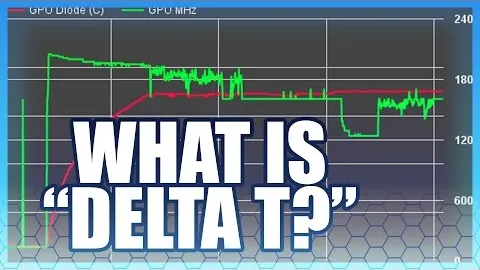
Explains why coolers are compared on the rise over ambient rather than on an absolute reading.
Shows how easily a cooler test goes wrong — useful for judging the reviews you read.
Swipe to see more
These open on YouTube rather than playing here: an embedded player loads Google tracking on every visit, and a site with no analytics has no business doing that on your behalf.
Collected from public forums, each with its source and the date it was gathered so you can check the original.
Rated 5 out of 5
„I picked up a B650 two years ago mainly because AMD promised support through 2027. Last month I swapped just the CPU and kept the board and memory. A BIOS update, ten minutes of work, and that was it.”
Rated 4 out of 5
„I moved from a 240 mm AiO to a dual tower and my load temperatures went up by two degrees. In exchange the pump hum is gone and I paid half what the AiO cost.”
Rated 5 out of 5
„I was terrified I would fry something. It turned out everything only fits one way and you simply cannot get it wrong. What took me longest were those tiny front panel cables.”
These are individual opinions collected from public forums, quoted with their source and collection date. They are not verified reviews and are not affiliated with any manufacturer.
Service
I can quote a build for your budget or assemble the finished machine. Advice with no shop commission.
Assistant:
Try asking
These settings are stored in your browser and stay in place as you move around the site or switch language.